
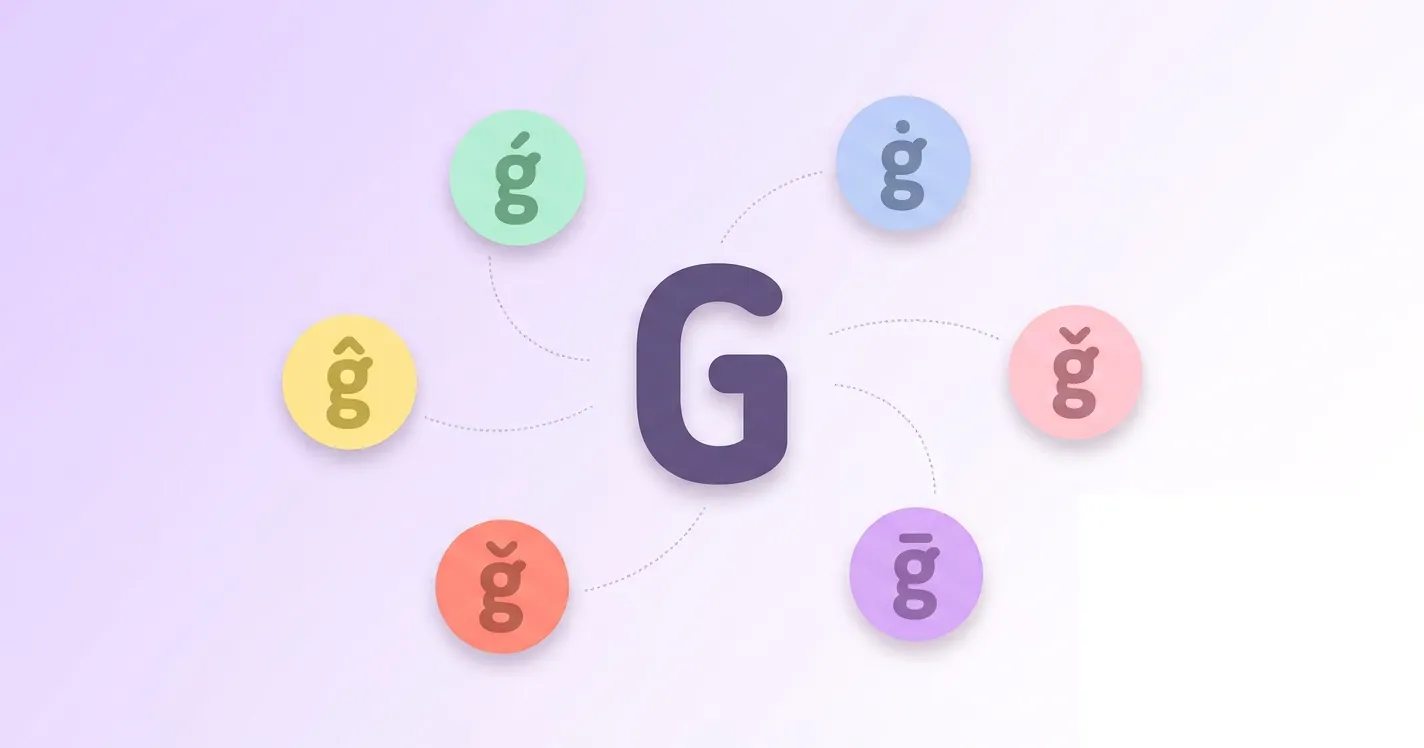

From simple copy paste buttons to alt codes, mac keyboard steps, and programming unicode values, this blog covers every practical way to type an accented g so you never have to search twice.
G with accent Copy Paste
Below you will find every accented g letter ready to copy. Simply click on any character and it gets copied straight to your clipboard, so you can paste it anywhere you need it, whether that is a document, a message, or a line of code.
Lowercase g with accent
Capital G with accent
Alt Code for g with accent
Alt codes let you type an accented g using nothing but your keyboard's numeric keypad. This section lists working codes for g with acute, g with dot above, g with circumflex, G with caron, and more, including the breve, macron, cedilla, and hook variants for both lowercase and capital letters.
Alt codes only work on Windows computers with a dedicated numeric keypad, so make sure Num Lock is turned on before you start. Follow the steps below to type any accented g letter listed in the table.
- Place your cursor exactly where you want the accented g to appear.
- Press and hold the Alt key on your keyboard.
- While still holding Alt, type the numeric code shown next to the letter you want, using the number pad only.
- Release the Alt key and the accented g will appear on screen.
| Symbol/Mark | Alt Code |
|---|---|
| ǵ | Alt 501 |
| ġ | Alt 289 |
| ĝ | Alt 285 |
| ǧ | Alt 487 |
| ğ | Alt 287 |
| ḡ | Alt 7713 |
| ģ | Alt 291 |
| ɠ | Alt 608 |
| Ǵ | Alt 500 |
| Ġ | Alt 288 |
| Ĝ | Alt 284 |
| Ǧ | Alt 486 |
| Ğ | Alt 286 |
| Ḡ | Alt 7712 |
| Ģ | Alt 290 |
| Ɠ | Alt 403 |
G with acute
G with acute, written ǵ in lowercase and Ǵ in capital, is a letter g topped with an acute accent mark. It shows up mainly in transliteration and romanization systems, most notably as the Latin stand in for the Macedonian Cyrillic letter ѓ, and in a handful of other regional spelling systems.
In terms of sound, ǵ represents a soft, palatalized g, closer to the "dy" in "duke" than to a hard English g. Macedonian names such as Ǵorǵi use this letter as the standard transliterated form of ѓ.
G with dot
G with dot above, seen as ġ in lowercase and Ġ in capital, places a small dot directly over the letter g. Its best known use is in Maltese, the only Semitic language written with the Latin alphabet, where the dot changes how the letter is pronounced.
In Maltese, ġ sounds like the English j in jam or judge, a soft affricate rather than a hard g. This is very different from a plain g, which stays hard as in the English word go, so the dot is not decorative, it changes the sound entirely.
G with circumflex
G with circumflex, ĝ in lowercase and Ĝ in capital, carries a small hat shaped accent above the letter. It is one of the six accented consonants built into Esperanto, the constructed international language, where every letter is meant to represent exactly one fixed sound.
In Esperanto, ĝ is pronounced like the English j in jump or the g in gem, never like a hard g. Everyday Esperanto words such as ĝi, meaning it, and manĝi, meaning to eat, rely on this letter to keep the spelling fully phonetic.
G with caron
G with caron, written ǧ in lowercase and Ǧ in capital, has a small v shaped mark above it known as a caron or haček. Linguists use it mainly in the scholarly romanization of Arabic, Persian, and Turkic languages that do not natively use the Latin alphabet.
The caron on ǧ usually signals a soft, English j like sound, similar to caron marked consonants in Czech or Slovak. In some Arabic romanization tables it appears as an alternative to dž or j when representing the Arabic letter jim.
G with breve
G with breve, ğ in lowercase and Ğ in capital, is topped with a small upward curve called a breve. It is best known as the yumuşak g, or soft g, in Turkish, one of the more distinctive letters in the modern Turkish alphabet.
Rather than carrying its own sound, Turkish ğ usually lengthens the vowel before it or disappears from speech entirely, as in the word dağ, meaning mountain. It also appears in Azerbaijani, where it behaves in a similarly quiet way.
G with macron
G with macron, ḡ in lowercase and Ḡ in capital, has a flat horizontal line placed above the letter. It shows up mostly in academic romanization systems and linguistic transcription, where the macron is used to mark vowel or consonant length rather than to spell an everyday word.
Because it is a technical symbol rather than a common letter, ḡ has no single fixed pronunciation of its own, it generally still sounds like a standard hard g, with the macron simply carrying extra phonetic information for readers of the transcription.
G with cedilla
G with cedilla, ģ in lowercase and Ģ in capital, has a small hook shaped cedilla attached beneath the letter. It is an official letter of the Latvian alphabet, where it represents a palatalized version of the regular g sound.
Latvian ģ is pronounced with the middle of the tongue pressed against the hard palate, producing a soft, y-colored g, somewhat like the gy in the English word argue. Everyday Latvian words such as ģimene, meaning family, use this letter regularly.
G with hook
G with hook, ɠ in lowercase and Ɠ in capital, features a small hook attached to the bottom left of the letter. It belongs to the International Phonetic Alphabet and to the Latin alphabets of several West African languages, including Fula and Hausa.
This letter represents a voiced velar implosive, a distinctive g sound made by briefly lowering the larynx while air moves inward rather than outward. It sounds noticeably different from an ordinary g and is unfamiliar to most English speakers.
How to type g with an accent on mac
Mac computers do not have a simple built in shortcut for the accented g letters covered in this guide, since g is not part of the standard accent dead key set on macOS. The good news is that the Unicode Hex Input method below works for every single one of them, and the table further down gives you the exact combination for each letter.
- Open System Settings, choose Keyboard, then open Input Sources and click the plus button to add a new source.
- Search for Unicode Hex Input in the list, select it, then click Add.
- Click the input menu icon in the top menu bar and switch to Unicode Hex Input.
- Hold down the Option key and type the four digit unicode code shown in the table below for the letter you want.
- Release the Option key and the accented g will appear, then switch your input source back to normal typing when you are done.
| Symbol/Mark | Mac Keyboard |
|---|---|
| ǵ | Option + 01F5 |
| ġ | Option + 0121 |
| ĝ | Option + 011D |
| ǧ | Option + 01E7 |
| ğ | Option + 011F |
| ḡ | Option + 1E21 |
| ģ | Option + 0123 |
| ɠ | Option + 0260 |
| Ǵ | Option + 01F4 |
| Ġ | Option + 0120 |
| Ĝ | Option + 011C |
| Ǧ | Option + 01E6 |
| Ğ | Option + 011E |
| Ḡ | Option + 1E20 |
| Ģ | Option + 0122 |
| Ɠ | Option + 0193 |
G accent unicode and different programming languages
The table below lists the unicode value of every accented g letter in this guide, along with how to write each one in HTML, CSS, and languages such as JavaScript, Java, and C, so developers can drop the correct character straight into their code.
| Name | Symbol/Mark | Unicode | HTML Hex | HTML Dec | CSS | JS,Java,C |
|---|---|---|---|---|---|---|
| Lowercase g with acute | ǵ | U+01F5 | ǵ | ǵ | \01F5 | \u{1F5} |
| Lowercase g with dot above | ġ | U+0121 | ġ | ġ | \0121 | \u{121} |
| Lowercase g with circumflex | ĝ | U+011D | ĝ | ĝ | \011D | \u{11D} |
| Lowercase g with caron | ǧ | U+01E7 | ǧ | ǧ | \01E7 | \u{1E7} |
| Lowercase g with breve | ğ | U+011F | ğ | ğ | \011F | \u{11F} |
| Lowercase g with macron | ḡ | U+1E21 | ḡ | ḡ | \1E21 | \u{1E21} |
| Lowercase g with cedilla | ģ | U+0123 | ģ | ģ | \0123 | \u{123} |
| Lowercase g with hook | ɠ | U+0260 | ɠ | ɠ | \0260 | \u{260} |
| Capital G with acute | Ǵ | U+01F4 | Ǵ | Ǵ | \01F4 | \u{1F4} |
| Capital G with dot above | Ġ | U+0120 | Ġ | Ġ | \0120 | \u{120} |
| Capital G with circumflex | Ĝ | U+011C | Ĝ | Ĝ | \011C | \u{11C} |
| Capital G with caron | Ǧ | U+01E6 | Ǧ | Ǧ | \01E6 | \u{1E6} |
| Capital G with breve | Ğ | U+011E | Ğ | Ğ | \011E | \u{11E} |
| Capital G with macron | Ḡ | U+1E20 | Ḡ | Ḡ | \1E20 | \u{1E20} |
| Capital G with cedilla | Ģ | U+0122 | Ģ | Ģ | \0122 | \u{122} |
| Capital G with hook | Ɠ | U+0193 | Ɠ | Ɠ | \0193 | \u{193} |
Conclusion
Typing an accented g does not have to be complicated once you know where to look. Whether you prefer clicking a character to copy it instantly, using an alt code on Windows, switching to Unicode Hex Input on a Mac, or pasting a unicode value straight into your code, this guide gives you every option in one place so you can pick whichever works best for you.
If you're also interested in learning more about accents on other letters, or want an overview, you can check out this full guide on all accented letters.