
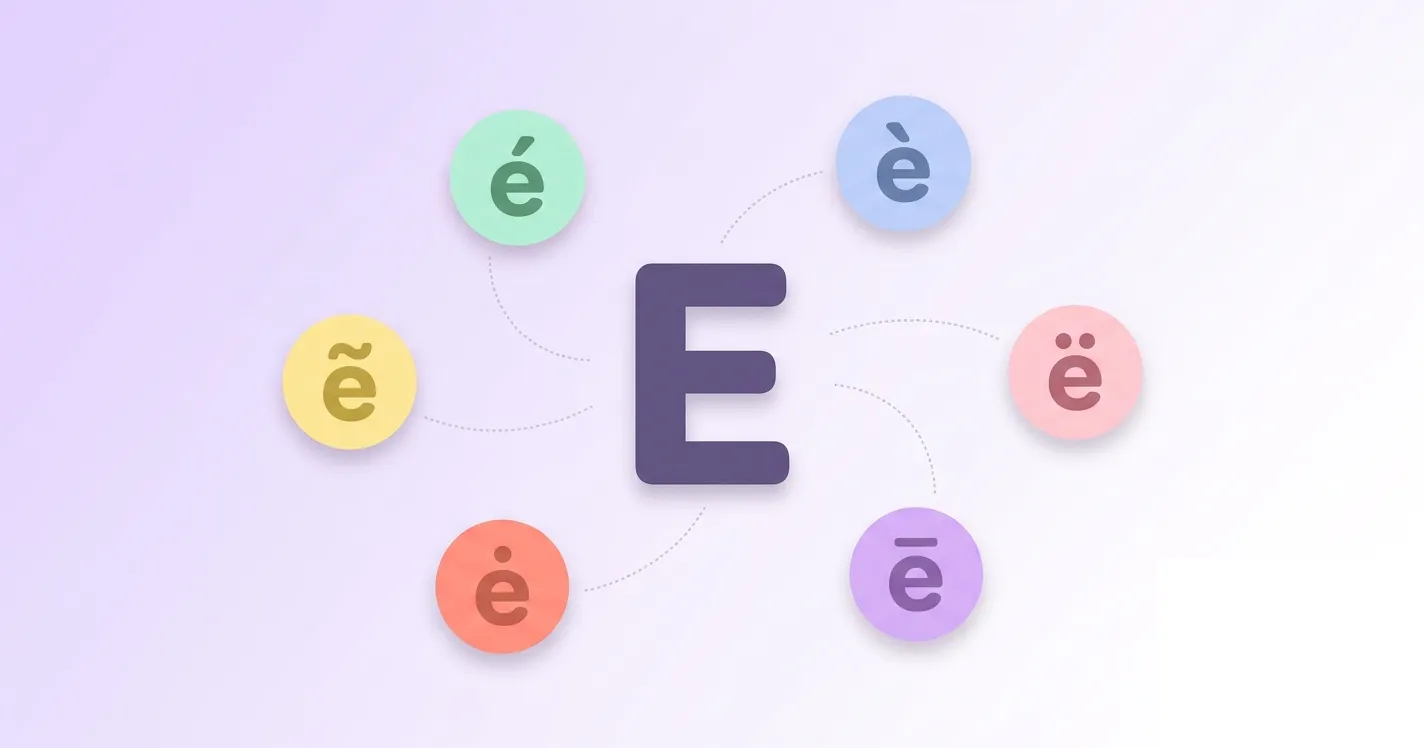

This guide covers everything you need, from ready to copy symbols and alt codes to keyboard shortcuts for Windows, Mac, and Chromebook, plus quick steps for Word, Google Docs, Excel, Gmail, and Outlook.
If you also need accent marks for other letters, our complete guide to accented letters covers the full A to Z list in both lowercase and uppercase, all ready to copy and paste.
E with accent Copy Paste
Every accented e symbol below is ready to copy and paste. Simply click on any character, and it is instantly copied to your clipboard so you can paste it directly into a document, message, or web form without typing a single code.
Lowercase e with accent
Capital E with accent
Alt Code for e with accent
Each accented e has its own alt code, a number you type while holding Alt to insert the symbol on Windows. Whether you need e with acute, e with grave, e with tilde, e with umlaut, or e with dot, the table below lists every code you need.
| Symbol/Mark | Alt Code |
|---|---|
| é | ALT 130 |
| è | ALT 138 |
| ẽ | ALT 7869 |
| ë | ALT 137 |
| ė | ALT 279 |
| ē | ALT 275 |
| ê | ALT 136 |
| ĕ | ALT 277 |
| ě | ALT 283 |
| ę | ALT 281 |
| ȩ | ALT 553 |
| ɇ | ALT 583 |
| É | ALT 144 |
| È | ALT 0200 |
| Ẽ | ALT 7868 |
| Ë | ALT 0203 |
| Ė | ALT 278 |
| Ē | ALT 274 |
| Ê | ALT 0202 |
| Ĕ | ALT 276 |
| Ě | ALT 282 |
| Ę | ALT 280 |
| Ȩ | ALT 552 |
| Ɇ | ALT 582 |
E with acute accent (é)
E with acute accent appears as é in lowercase and É in capital. The mark is a small line slanting upward and signals a stressed, closed vowel sound. It is common in French, Spanish, Italian, Portuguese, and Vietnamese, appearing in words like café, résumé, and Pokémon.
In French, é is pronounced like the "ay" sound in day, a closed front vowel. In Spanish and Italian, the acute accent marks stress rather than changing the vowel sound itself, so é simply tells you which syllable to emphasize.
E with an accent grave (è)
E with an accent grave appears as è in lowercase and È in capital. The mark slants downward, opposite the acute accent, and shows an open vowel sound or marks stress. It is common in French and Italian, seen in words like père, très, and derrière.
In French, è makes an open "eh" sound, similar to the e in the English word "bed," and is noticeably more open than the closed é sound.
E with tilde (ẽ)
E with tilde appears as ẽ in lowercase and Ẽ in capital. The wavy line above the letter shows nasalization, meaning the vowel is pronounced partly through the nose. It is less common than tilde on a or n, but it appears in Portuguese and Guarani for a nasal e sound.
In Portuguese, ẽ is rare and mostly theoretical, since actual nasal e sounds are usually written with em or en instead. Where it does appear, it sounds like a nasalized version of the "eh" in the English word "pet."
E with umlaut or e with 2 dots (ë)
E with umlaut, also called e with 2 dots, appears as ë in lowercase and Ë in capital. Two dots above the letter show it should be pronounced as its own distinct vowel sound. Albanian uses ë as a full letter of its alphabet, representing a schwa sound.
In Albanian, ë sounds like the neutral "uh" in the English word "sofa." In Dutch, the same mark instead separates two vowels so they are pronounced individually rather than as one combined sound.
E with dot (ė)
E with dot, also known as e with dot above, appears as ė in lowercase and Ė in capital. The small dot sits directly above the letter and marks a distinct vowel quality. Lithuanian treats ė as its own letter of the alphabet, separate from a plain e.
In Lithuanian, ė is pronounced as a long, closed "ay" sound, similar to the vowel in the English word "say," but held for a longer duration.
E with macron (ē)
E with macron appears as ē in lowercase and Ē in capital. The straight bar above the letter marks a long vowel sound, showing it should be held longer than a short e. It appears in Latvian, Maori, Hawaiian, and in Latin and Japanese romanization systems.
In Latvian, ē is pronounced as a long, open "eh" sound, roughly double the length of a short e. In romanization systems, the macron simply signals vowel length rather than a change in the sound itself.
E with circumflex (ê)
E with circumflex appears as ê in lowercase and Ê in capital. The mark looks like a small hat above the letter and, in French, often signals a letter, usually an "s," that was dropped from the word over time. It appears in words such as fenêtre, forêt, and tête.
In French, ê is pronounced as a closed "eh" sound, much like é, though the vowel is usually held slightly longer. In Portuguese, the circumflex marks a closed, stressed e, as in the word você.
Vietnamese treats ê as its own vowel letter rather than a diacritic variation, and it can carry additional tone marks above or below it, such as in the word đêm, meaning night.
E with breve (ĕ)
E with breve appears as ĕ in lowercase and Ĕ in capital. The curved mark above the letter indicates a short vowel sound. It is mainly used in dictionaries and phonetic guides to show pronunciation, and it also appears in the Chuvash language of Russia.
The breve itself is not usually pronounced differently. Instead, it tells the reader that the vowel is short and quick, unlike the extended sound marked by a macron.
E with diaeresis (ë)
E with diaeresis looks identical to e with umlaut, appearing as ë in lowercase and Ë in capital, but it serves a different purpose. Instead of changing the vowel sound, it shows that two vowels next to each other are pronounced separately, as in naïve, Noël, and Zoë.
There is no unique sound tied to the diaeresis itself. It simply signals where a new syllable begins, so Noël is pronounced with two syllables, "no" and "el," rather than blending into one.
E with caron (ě)
E with caron appears as ě in lowercase and Ě in capital. The small v-shaped mark above the letter is called a caron or háček, and it softens the consonant that follows it. Czech uses ě often, and it also appears as the third tone mark in Pinyin for Mandarin Chinese.
In Czech, ě softens the preceding consonant and sounds roughly like "ye," as in the word měsíc, meaning month. In Pinyin, ě instead signals a falling then rising tone on the vowel.
E with ogonek (ę)
E with ogonek appears as ę in lowercase and Ę in capital. The small hook beneath the letter shows nasalization, meaning air passes through the nose while the vowel is spoken. Polish uses ę often, appearing in everyday words such as język, meaning language, and dziękuję, meaning thank you.
In Polish, ę is pronounced with a nasal quality similar to the French "in" sound, though at the end of a word it often loses much of its nasalization in casual speech.
E with cedilla (ȩ)
E with cedilla appears as ȩ in lowercase and Ȩ in capital. The small hook beneath the letter is borrowed from the cedilla used on c, and on e it has historically marked a nasal or distinct vowel quality. It is rare today, appearing mostly in older Baltic language texts.
Because this letter is so rarely used in modern writing, there is no single standard pronunciation. Its sound depended on the specific dialect or historical text in which it appeared.
E with stroke (ɇ)
E with stroke appears as ɇ in lowercase and Ɇ in capital. A horizontal line runs through the middle of the letter, a style borrowed from letters like ø and ł. It is a rare character, used mainly in specialized phonetic transcription and a handful of minority language alphabets.
Because it is so uncommon, ɇ has no single agreed pronunciation, and most people encountering it will only need to recognize it rather than say it aloud.
How to type e with accent on keyboard windows
On a Windows PC, you can type any accented e using its alt code. Make sure Num Lock is turned on, then hold the Alt key and type the code from the table above on your numeric keypad. Release Alt once you finish typing the numbers, and the accented character appears instantly in your document or text field.
If your laptop does not have a separate numeric keypad, look for a hidden number pad activated with the Fn key, or use the On Screen Keyboard found in Windows accessibility settings. Chromebook users cannot rely on alt codes the same way, since ChromeOS does not support the Windows numpad input method by default.
On a Chromebook, press Ctrl+Shift+U, type the character's Unicode hex value, such as 00E9 for é, then press Enter or space to confirm. This built in Unicode input method works in most text fields across ChromeOS without installing anything extra.
How to type e with accent on mac
Typing accented e characters on a Mac relies on the Option key rather than alt codes. Follow the steps below, then use the table to find the exact key combination for the accent you need, and you will be able to type any accented e directly on your Mac keyboard.
- Press and hold the Option key on your keyboard.
- While still holding Option, press the key shown in the table for that accent, such as E for acute or U for umlaut.
- Release both keys, then press E for lowercase or Shift+E for capital to place the accent on the letter.
- For accents without a dedicated Option shortcut, open System Settings, go to Keyboard, then Input Sources, and add Unicode Hex Input.
- With Unicode Hex Input turned on, hold Option and type the four digit Unicode code shown in the table, then release Option to insert the character.
| Symbol/Mark | Mac Keyboard |
|---|---|
| é | Option+E, E |
| è | Option+`, E |
| ẽ | Unicode Hex Input 1EBD |
| ë | Option+U, E |
| ė | Unicode Hex Input 0117 |
| ē | Unicode Hex Input 0113 |
| ê | Option+I, E |
| ĕ | Unicode Hex Input 0115 |
| ě | Unicode Hex Input 011B |
| ę | Unicode Hex Input 0119 |
| ȩ | Unicode Hex Input 0229 |
| ɇ | Unicode Hex Input 0247 |
| É | Option+E, Shift+E |
| È | Option+`, Shift+E |
| Ẽ | Unicode Hex Input 1EBC |
| Ë | Option+U, Shift+E |
| Ė | Unicode Hex Input 0116 |
| Ē | Unicode Hex Input 0112 |
| Ê | Option+I, Shift+E |
| Ĕ | Unicode Hex Input 0114 |
| Ě | Unicode Hex Input 011A |
| Ę | Unicode Hex Input 0118 |
| Ȩ | Unicode Hex Input 0228 |
| Ɇ | Unicode Hex Input 0246 |
How to type e with accent in word, google docs and other apps
Microsoft Word
Microsoft Word offers its own built in shortcut for accented letters, separate from the Windows alt codes.
- Place your cursor where you want the accented letter.
- Type the Unicode hex code for the character, such as 00E9 for é or 00CB for Ë.
- Press Alt+X immediately after typing the code, and Word converts it into the accented letter.
- You can also go to Insert, then Symbol, then More Symbols, and search for the accented e you need.
Google Docs
Google Docs has a built in special characters tool that makes finding any accented e straightforward.
- Click Insert in the menu bar, then choose Special characters.
- In the search box, type e with acute, e with tilde, or the name of the accent you need.
- Click the matching character in the results to insert it at your cursor.
- You can also draw the character by hand in the same window, and Google Docs will suggest matches.
Outlook
Outlook uses the same Word based editor for composing emails, so the same shortcuts apply.
- While composing a message, type the Unicode hex code for the accent, such as 00E8 for è.
- Press Alt+X to convert the code into the accented character.
- Alternatively, use Insert, then Symbol, to browse and select the accented e you need.
Gmail
Gmail does not support alt codes or the Word style Alt+X shortcut, so copying and pasting is usually the fastest option.
- Copy the accented e you need from the copy and paste section earlier in this guide.
- Paste it directly into your Gmail compose window using Ctrl+V or Cmd+V.
- On Windows, you can also turn on alt code input and type the code directly into the compose box.
Excel
Excel supports both alt codes and a formula based method for inserting accented characters.
- Click the cell where you want the character, then hold Alt and type the code, such as Alt+0233 for é.
- Alternatively, use the formula =UNICHAR(233) and press Enter to display é in that cell.
- Adjust the number inside UNICHAR to match the Unicode decimal value of the accent you need.
Conclusion
Typing e with accent marks does not have to be complicated, whether you prefer alt codes, keyboard shortcuts, or simply copying and pasting the symbol you need. This guide has walked through every common variation, from é and è to the rarer ę and ɇ, along with the exact steps for Windows, Mac, Chromebook, and everyday apps like Word, Google Docs, and Excel. Bookmark this page so you always have a quick reference the next time you need to type an accented e.