
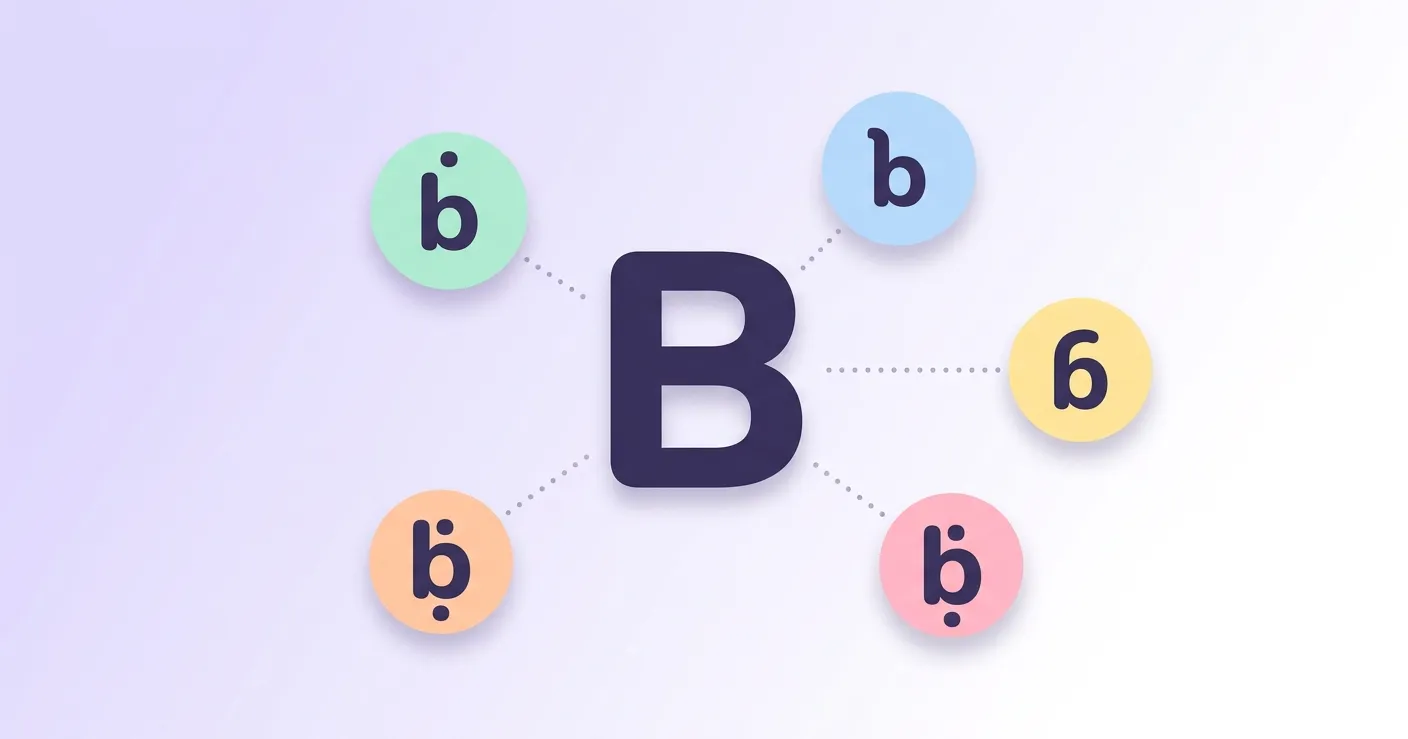

Below you will find click-to-copy symbols for every lowercase and capital form, a complete alt code table, Mac keyboard steps, and a reference chart with Unicode values plus code for HTML, CSS, and JavaScript. Everything you need to type a b with accent character is right here on one page.
However, if you want to quickly review all the accents, here is a guide with a-z accents.
B with accent Copy Paste
Every character on this page is ready to copy. Just click a symbol below and it is copied straight to your clipboard, no extra software or memorized shortcuts required. Paste it directly into a document, spreadsheet, chat, or social media post.
Lowercase b with accent
Capital B with accent
Alt Code for b with accent
Alt codes let Windows users type any b with accent character straight from the numeric keypad. Whether you need b with stroke, b with dot, b with line, b with topbar, or b with hook, each variation has its own four-digit code that works in Word, Excel, and most desktop apps.
To type any b with accent using an alt code, place your cursor exactly where you want the character to appear, then follow the steps below.
- Turn on Num Lock on your keyboard.
- Place your cursor where you want the accented b to appear.
- Press and hold the Alt key.
- Type the numeric code from the table below using the number pad, not the number row.
- Release the Alt key, and the character will appear.
| Symbol/Mark | Alt Code |
|---|---|
| ḃ | ALT 7683 |
| ḅ | ALT 7685 |
| ḇ | ALT 7687 |
| ƀ | ALT 384 |
| ɓ | ALT 595 |
| ƃ | ALT 387 |
| Ḃ | ALT 7682 |
| Ḅ | ALT 7684 |
| Ḇ | ALT 7686 |
| Ƀ | ALT 579 |
| Ɓ | ALT 385 |
| Ƃ | ALT 386 |
B with line
B with line below, written ḇ in lowercase and Ḇ in capital, is a b with a short horizontal stroke placed underneath the letter. It is a diacritic used mainly in academic transliteration and phonetic notation to mark a distinct pronunciation or sound value.
The line below mark generally signals a fricative or a softened consonant sound, depending on the transliteration system in use. You will come across ḇ most often in Semitic language romanization, including scholarly transliterations of Hebrew and Arabic texts, where it separates a spirantized b sound from the standard hard b.
In everyday writing, ḇ almost never shows up. It stays within linguistics papers, dictionaries, Bible translation studies, and library cataloging systems that follow ALA-LC romanization standards. If you work with Hebrew or Arabic transliteration, this is one symbol worth keeping copied and ready to paste.
B with topbar
B with topbar, shown as ƃ in lowercase and Ƃ in capital, is a Latin letter with a short horizontal bar across the top of the stem. It resembles the Cyrillic letter Be and was historically used as a distinct consonant symbol in specific African orthographies.
This letter was part of the Zhuang alphabet used in China between 1957 and 1986, before it was replaced by the digraph mb. It has also occasionally stood in for the capital form of ɓ, the b with hook, in languages such as Shona.
You will not find b with topbar on any modern standard keyboard layout, so copying the symbol from a page like this one, or using its alt code or Unicode value, is the most practical way to use it today.
B with hook
B with hook, written ɓ in lowercase and Ɓ in capital, is a letter with a small hook extending from the left side of the stem. It represents an implosive b sound, a consonant pronounced with air drawn inward rather than pushed out.
This is one of the more widely used b with accent characters. It appears in the orthographies of several African languages, including Fula, Hausa, and Igbo, where implosive consonants are common. It is also part of the International Phonetic Alphabet, representing the voiced bilabial implosive.
If you study linguistics or work with texts written in one of these African languages, you will run into ɓ regularly. Because it is not on a standard keyboard, copying it directly or using its alt code is usually the fastest option.
How to type accent b on mac
Mac does not rely on alt codes the way Windows does, but you can still produce most b with accent characters using keyboard shortcuts or the built-in Unicode input method. Follow the steps below, then check the table for the exact combination each symbol needs.
- Open System Settings, then go to Keyboard, then Input Sources.
- Click the plus button and add Unicode Hex Input as an input source.
- Switch to Unicode Hex Input from the keyboard icon in your menu bar whenever you need an uncommon character.
- Hold the Option key and type the four-character code shown in the table below.
- Release Option, and the accented b appears. Switch back to your normal keyboard when you are done.
| Symbol/Mark | Mac Keyboard |
|---|---|
| ḃ | Option + W, then B |
| ḅ | Option + 1E05, Unicode Hex Input |
| ḇ | Option + 1E07, Unicode Hex Input |
| ƀ | Option + 0180, Unicode Hex Input |
| ɓ | Option + Shift + Period, then B |
| ƃ | Option + 0183, Unicode Hex Input |
| Ḃ | Option + W, then Shift + B |
| Ḅ | Option + 1E04, Unicode Hex Input |
| Ḇ | Option + 1E06, Unicode Hex Input |
| Ƀ | Option + 0243, Unicode Hex Input |
| Ɓ | Option + Shift + Period, then Shift + B |
| Ƃ | Option + 0182, Unicode Hex Input |
Only b with dot above and b with hook have direct dead-key shortcuts on the standard Mac layout. For b with dot below, b with line below, b with stroke, and b with topbar, Unicode Hex Input is the most reliable route, since these letters are not mapped to a dedicated key combination.
B accent unicode and different programming languages
The table below lists the Unicode code point for every b with accent character, along with the exact code to use in HTML, CSS, and JavaScript, Java, or C. Whether you are building a webpage, styling text, or writing a script, you can copy the exact reference you need.
| Name | Symbol/Mark | Unicode | HTML Hex | HTML Dec | CSS | JS,Java,C |
|---|---|---|---|---|---|---|
| Lowercase letter b with dot above | ḃ | U+1E03 | ḃ | ḃ | \1E03 | \u{1E03} |
| Lowercase letter b with dot below | ḅ | U+1E05 | ḅ | ḅ | \1E05 | \u{1E05} |
| Lowercase letter b with line below | ḇ | U+1E07 | ḇ | ḇ | \1E07 | \u{1E07} |
| Lowercase letter b with stroke | ƀ | U+0180 | ƀ | ƀ | \0180 | \u{180} |
| Lowercase letter b with hook | ɓ | U+0253 | ɓ | ɓ | \0253 | \u{253} |
| Lowercase letter b with topbar | ƃ | U+0183 | ƃ | ƃ | \0183 | \u{183} |
| Capital letter B with dot above | Ḃ | U+1E02 | Ḃ | Ḃ | \1E02 | \u{1E02} |
| Capital letter B with dot below | Ḅ | U+1E04 | Ḅ | Ḅ | \1E04 | \u{1E04} |
| Capital letter B with line below | Ḇ | U+1E06 | Ḇ | Ḇ | \1E06 | \u{1E06} |
| Capital letter B with stroke | Ƀ | U+0243 | Ƀ | Ƀ | \0243 | \u{243} |
| Capital letter B with hook | Ɓ | U+0181 | Ɓ | Ɓ | \0181 | \u{181} |
| Capital letter B with topbar | Ƃ | U+0182 | Ƃ | Ƃ | \0182 | \u{182} |
Conclusion
From click-to-copy symbols to Windows alt codes, Mac shortcuts, and full Unicode references for code, you now have every way to produce a b with accent character in one place. Bookmark this page so the right symbol, code, or shortcut is always within reach whenever you need it.